

Overview
Sync connectors automatically pull data from external business applications into Go Fig. Connect once and your data stays up-to-date automatically. Why Use Sync Connectors?:- No Manual Exports: Skip downloading CSVs and uploading them manually
- Always Fresh: Data syncs automatically on a recurring schedule
- Historical Data: Import all available historical data on first sync
- Unified Analytics: Combine data from multiple apps in one place
How Sync Connectors Work
Connection Flow
1
Select connector
Click Add data source on the top right of your Organization’s Connectors page then select the application you want to sync data from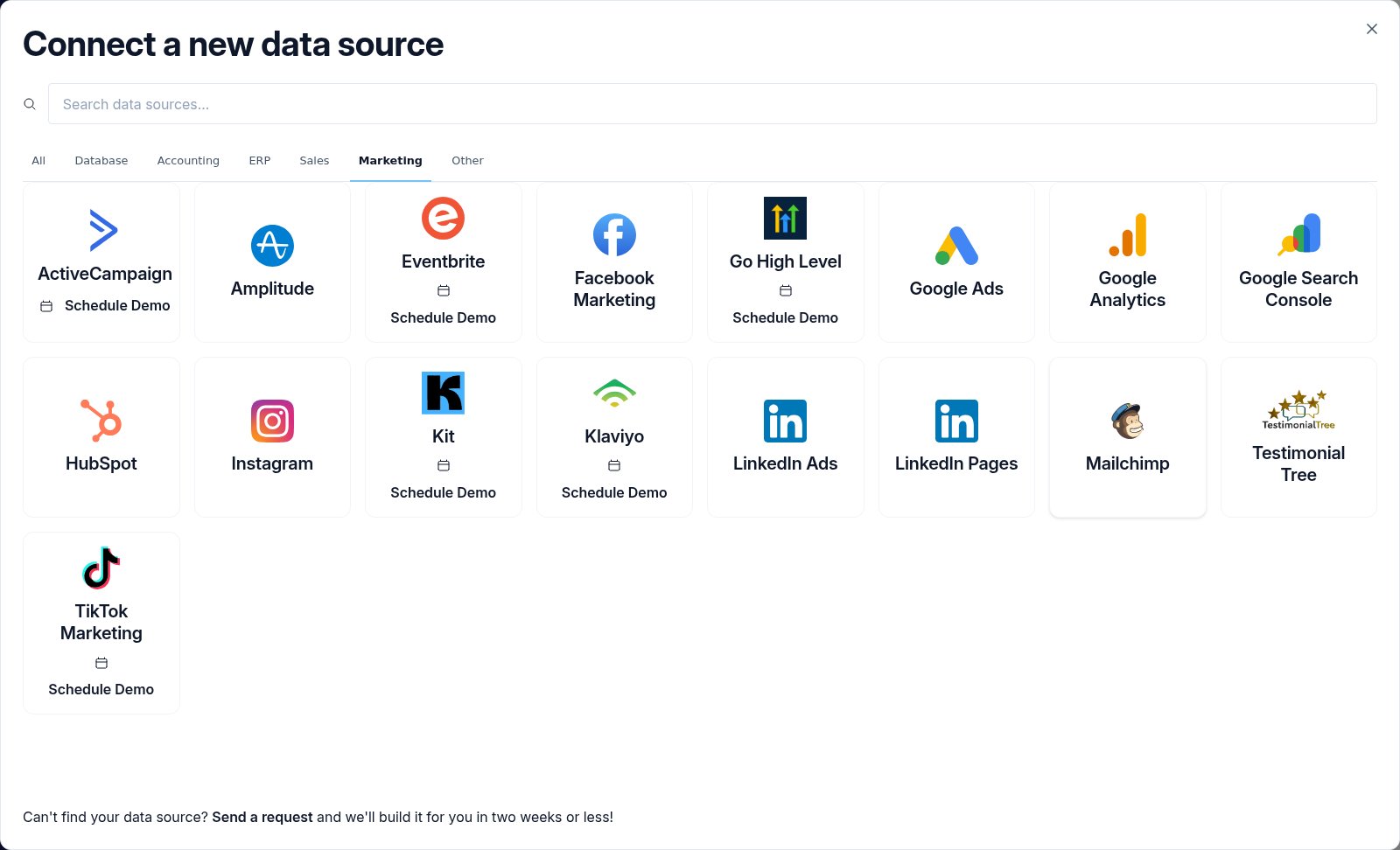
2
Authorize
If OAuth is available, click Connect to start OAuth authorization. A consent window opens. Grant access and you’ll be returned to Go Fig automatically.For apps that don’t have OAuth enabled, you can connect by providing API tokens. Follow the instructions on the setup page to access your API tokens.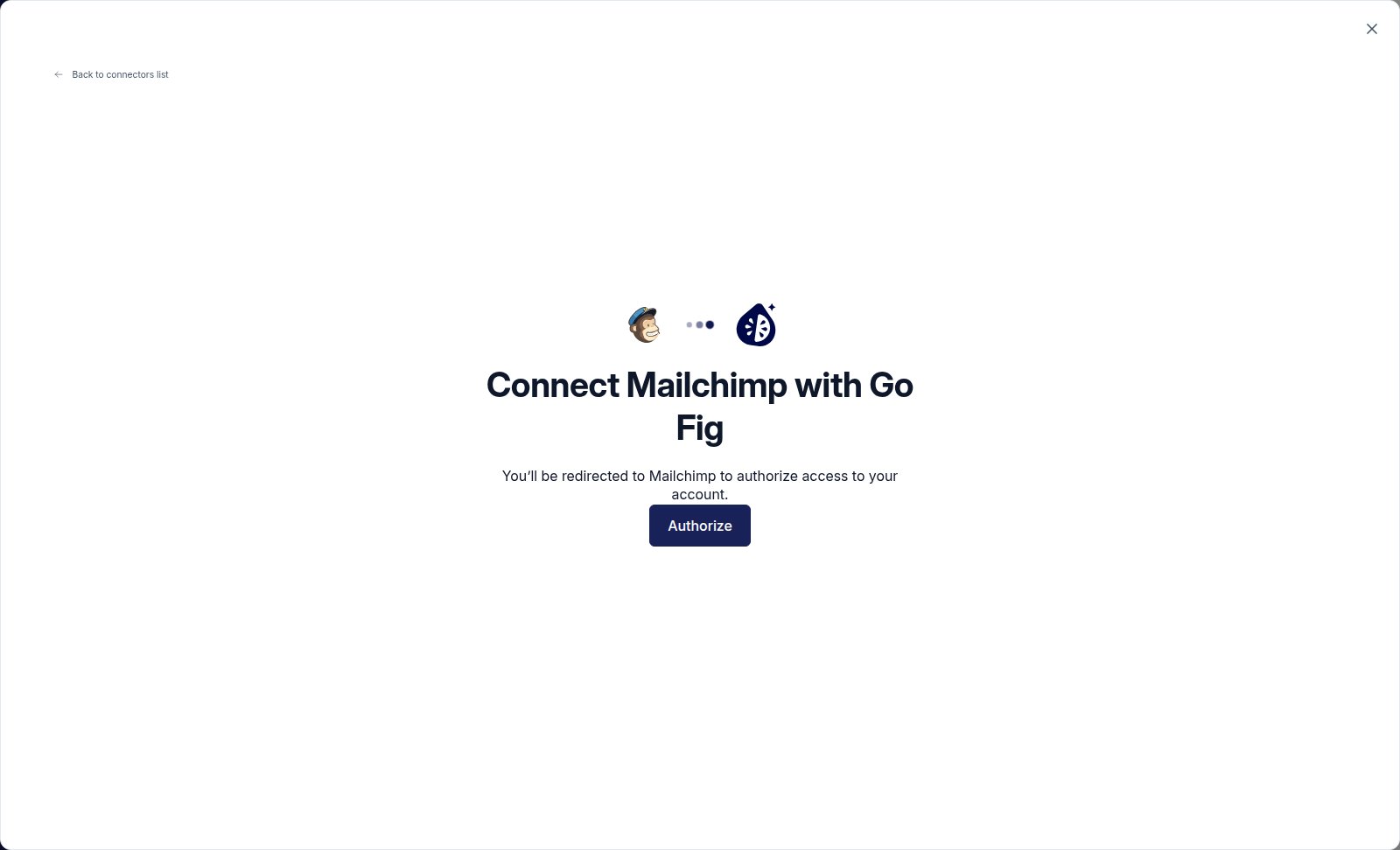
3
First sync
Go Fig starts the initial sync immediately. This can take anywhere from 30 minutes to several hours depending on data volume. You’ll receive a notification when the first sync completes.
4
Preview data
Once the sync finishes, you will see the new Collection in your Organization’s Connectors page. Click on the Collection to preview dataGo Fig automatically processes incoming data: deduplicating on primary keys, inferring date and timestamp types, and running any connector-specific cleaning scripts.
Sync Reliability
Go Fig keeps your syncs running so you can focus on your data. Failed syncs retry automatically, and you’re notified if something needs your attention. If automatic recovery doesn’t work, restart the sync with one click from the Connector Settings page.Sync Status: Check the last sync status on your Connectors page. The Connections section at the top shows every connected source with a live status badge. A green checkmark means the sync succeeded. A red indicator means you need to investigate.
Available Connectors
Finance & Accounting
QuickBooks
Accounting and financial data
Stripe
Payment processing and subscriptions
Marketing & Analytics
Amplitude
Product analytics and user behavior
Facebook Marketing
Facebook ads and campaign performance
Google Ads
Google Ads campaign data
Google Analytics
Website traffic and user analytics
Google Search Console
Search performance and SEO data
Instagram business account data
LinkedIn Ads
LinkedIn advertising data
LinkedIn Pages
LinkedIn company page analytics
Testimonial Tree
Customer testimonials, ratings, surveys, and survey responses from your Testimonial Tree account
Windsor.ai
Marketing spend and performance across all ad platforms in one dataset
CRM & Email Automation
HubSpot
CRM, marketing, and sales data
Salesforce
Accounts, contacts, leads, and opportunities, with AI-assisted follow-up tasks, notes, meeting logging, deal updates, and company record updates
Go High Level
CRM, automation, and marketing platform for agencies. Syncs contacts, opportunities, invoices, and payments. Celeste can also log notes, record meetings, and look up pipeline stages and contacts on your behalf.
Attio
Companies, people, deals, lists, notes, and tasks from your Attio CRM workspace
Zoho CRM
Contacts, accounts, leads, and deals from Zoho CRM
Pipedrive
Deals, people, organizations, and activities from your Pipedrive CRM. Celeste can also log follow-up tasks and update records.
Mailchimp
Email marketing campaigns and audiences
Notion
Pages, databases, blocks, users, and comments, synced bidirectionally. Celeste can also draft pages back to Notion.
Communications & Support
Dialpad
Cloud phone system with calls, transcripts, digital sessions, and departments
Fathom
Meeting recordings, transcripts, and AI-generated summaries from your video calls. Go Fig sets up meeting-triggered skills automatically when you connect — no manual webhook configuration required.
Property Management
Entrata
Multifamily property management data including leads, leases (with customer details, pets, lease intervals), properties (with addresses, lease terms, space options), units, work orders, and invoices
Rent Manager
Property management data for residential and commercial portfolios, including accounting, leasing, and maintenance
Go Fig-Managed Data
These connectors require no credentials or setup. Go Fig fetches and maintains the data for you so you just click to add them to your organization.Redfin
Housing market data at national, state, county, city, ZIP, and neighborhood levels, refreshed weekly. No credentials required.
Coming Soon
These connectors aren’t yet self-service. Contact us if you’d like one prioritized for your organization.Square
Point of sale and payment data
Klaviyo
E-commerce email marketing
ActiveCampaign
Email marketing and automation data
Editing Sync Settings
To change sync frequency or data objects:- Open the Connector Settings tab within the Collection preview
- Update sync frequency, historical data range, or selected objects
- Click Save