
Overview
Signal is Go Fig’s daily intelligence feed. Every day, it reads your connected data and surfaces the trends, anomalies, and KPIs your team actually needs to know about. No questions to ask, no dashboards to build. Signal just shows up.Feed
Feed in the left sidebar is where you work your day: the AI approval queue, full width, with cards from your active skills staged and waiting for your review. A badge on the nav item counts the cards waiting on you. Section tabs across the top narrow the queue to Mail, Meetings, Calendar, KPIs, or Actions, and each section with a published briefing can be played from its tab. The filter rail beside the queue narrows it further (by skill and by the states worth singling out). Every filtered view has its own address so you can link one. Refresh checks for new items.Finding Signal
Open the Signal section on Home, or the KPIs tab on Feed, which counts the insights you haven’t read yet. That way you always know when something fresh is waiting.What’s in Signal
Daily Insight Cards
Each day, Signal generates a fresh set of AI-written cards covering what’s moving in your data: revenue trends, volume spikes, outliers, and key metrics worth watching. Cards are generated from your connected data sources and refresh daily. The Signal section on Home previews the latest one so you get a quick look before diving into the full feed.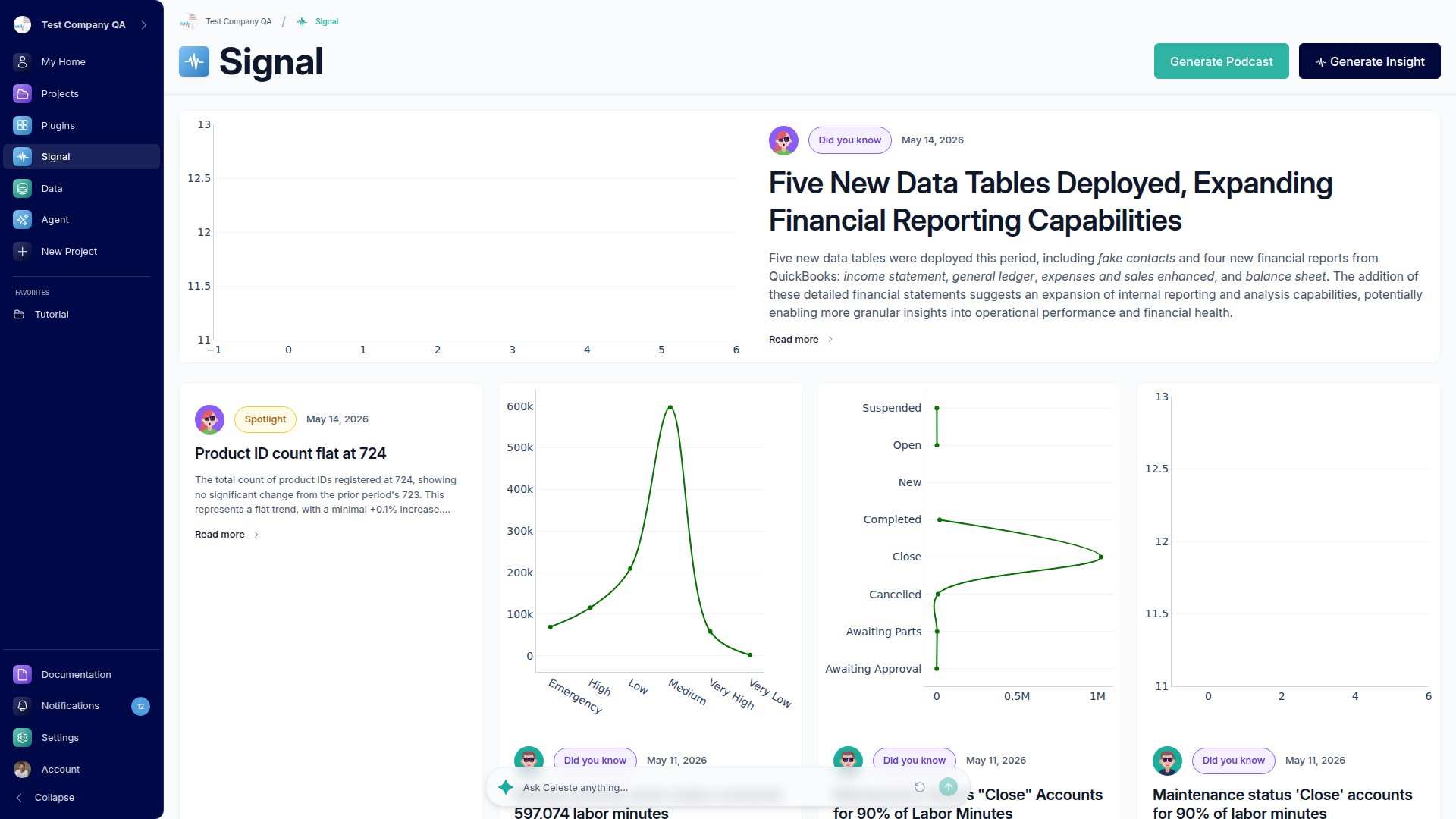
Monday Podcast
Every Monday, Signal produces a short audio episode recapping the week’s most important insights. You can listen directly in the app, and the player includes chapters so you can skip to what matters. An embedded dashboard shows the underlying data alongside the audio.Email Delivery
Want the Monday Podcast in your inbox? Go to Settings → Email Notifications and turn on the Insights newsletter to receive each week’s episode by email.Signal works best when your data sources are connected and syncing regularly. The more data Go Fig can see, the more meaningful your daily insights will be.