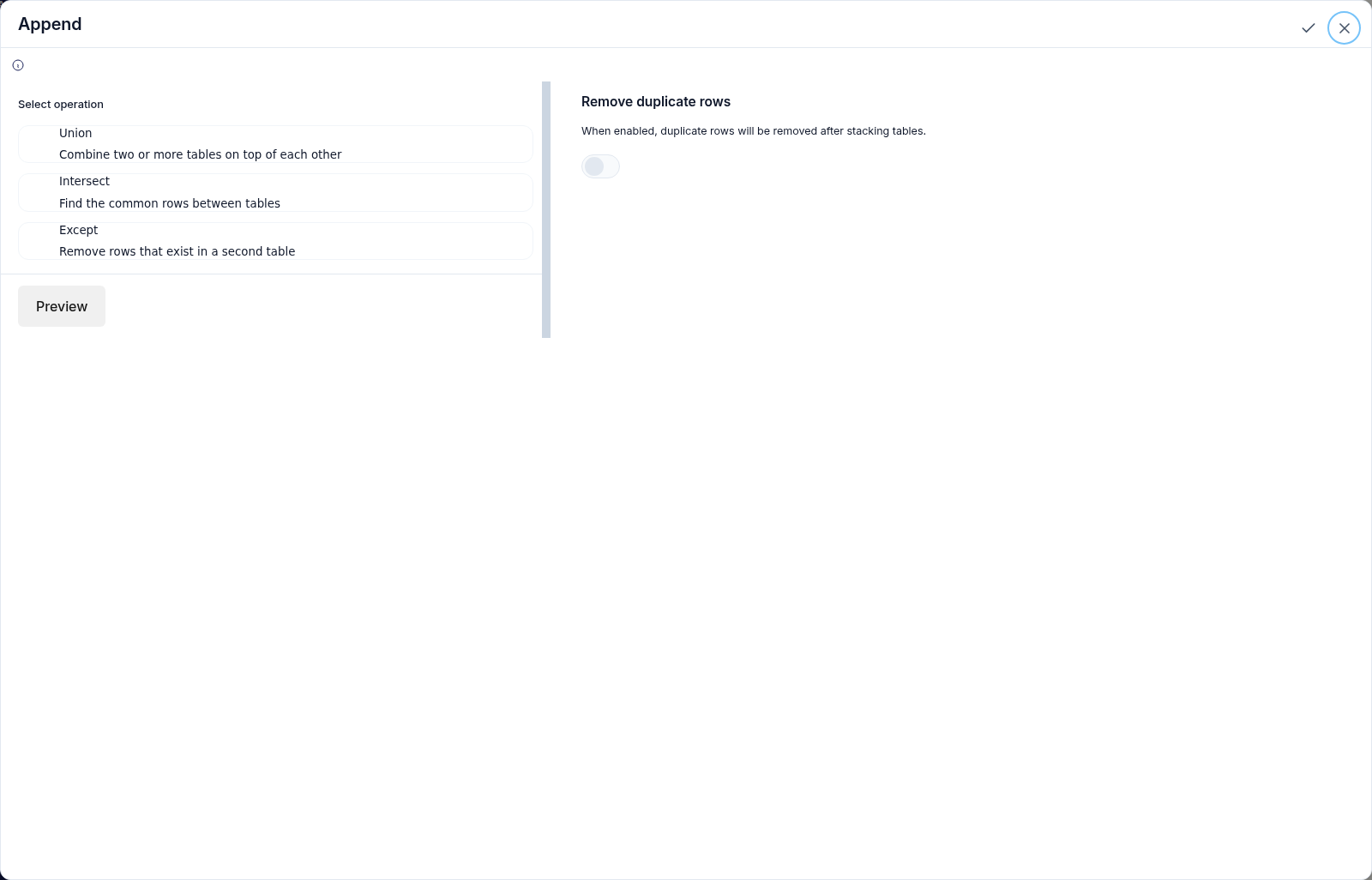

What This Node Does
The Append node stacks rows from two or more tables on top of each other, the equivalent of a UNION ALL. Fields are matched by name, and mismatched types are auto-converted so tables with the same shape combine cleanly into one.When to Use This Node
Use the Append node when you want to:- Combine monthly or weekly files into one continuous table
- Merge regional or per-team tables that share the same fields
- Roll many same-shape exports into a single dataset
Step-by-Step Usage Guide
1
Connect at least two parents
Wire two or more tables into the node. Append needs at least two connected parents.
2
Confirm the shapes match
Make sure the tables share the same field names. Fields are matched by name and mismatched types are auto-converted.
3
Use the combined output
Connect downstream nodes to filter, summarize, or chart the stacked rows.