

What This Node Does
The XLOOKUP node joins two tables on a matching key field, just like Excel’s XLOOKUP or VLOOKUP. It takes two inputs, a base table and a lookup table, and brings fields from the lookup table onto the base table where the keys match.When to Use This Node
Use the XLOOKUP node when you want to:- Enrich one table with fields from another by a shared key
- Attach reference data (names, regions, categories) to your main rows
- Pull a value from a second table without leaving the Flow
Step-by-Step Usage Guide
1
Connect two parents
Wire a base table and a lookup table into the node. XLOOKUP needs both connected parents before it can preview.
2
Pick the match fields
Choose the match field in the base table and the match field in the lookup table then set the match type.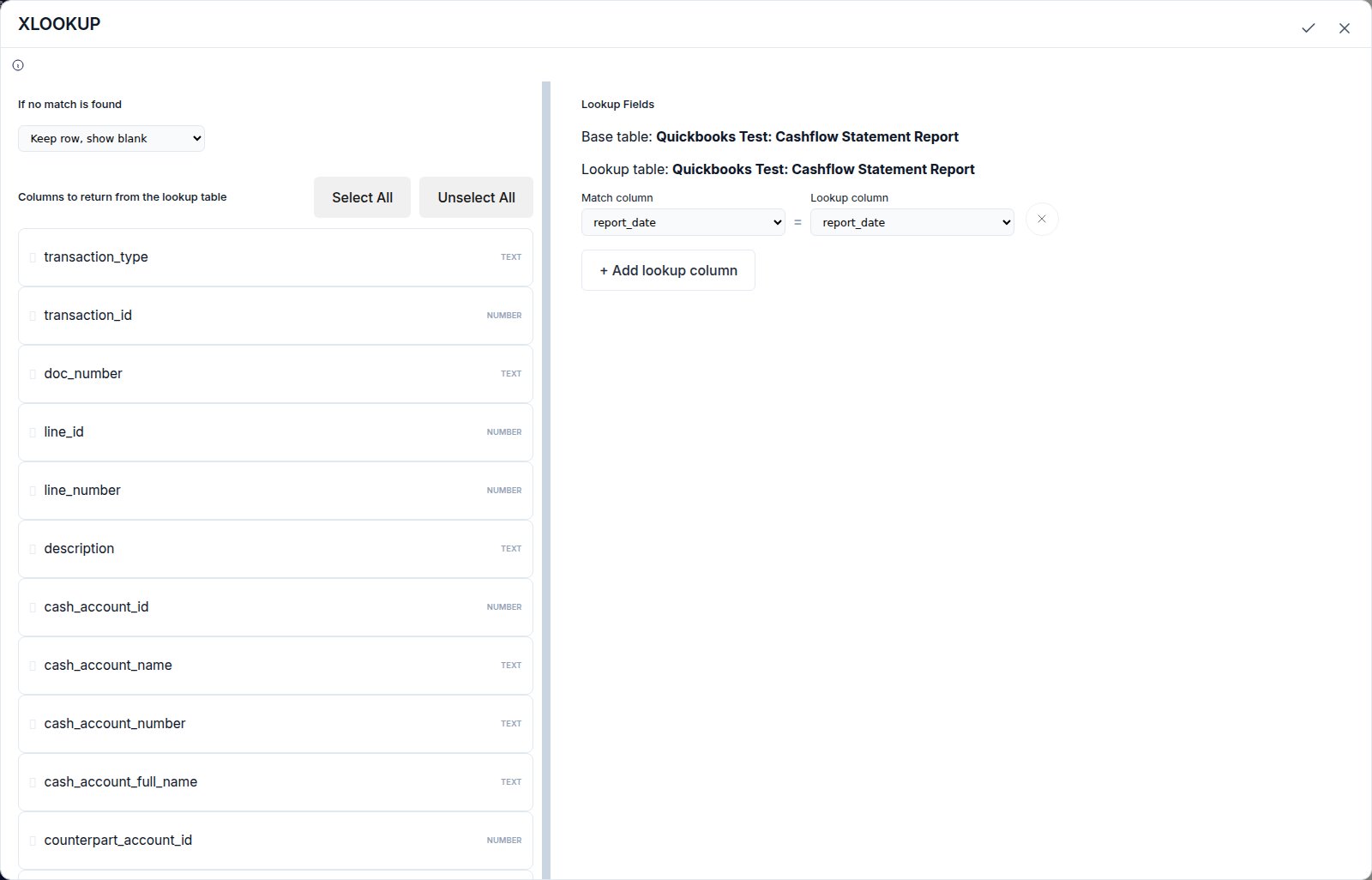
3
Choose return fields
Select which fields from the lookup table to bring back onto your base rows.