

What This Node Does
The Save Table node persists a Flow’s result as a Virtual Table you can reuse in dashboards, other Flows, or Celeste. It can also export the result to Google Sheets or Excel Online on each run. Every Flow needs at least one output node. Save Table is one of them, alongside Chart and AI Summary.When to Use This Node
Use the Save Table node when you want to:- Save a Flow’s result as a reusable Virtual Table
- Feed cleaned or summarized data into dashboards and other Flows
- Make a result available to Celeste
- Push results to a Google Sheet or Excel file on a schedule
Step-by-Step Usage Guide
1
Add Save Table
From the ”+ Add node” popover, search for “save table” and add it at the end of your Flow.
2
Name your Virtual Table
Give the output a clear name so you can find it in dashboards, Flows, and Celeste.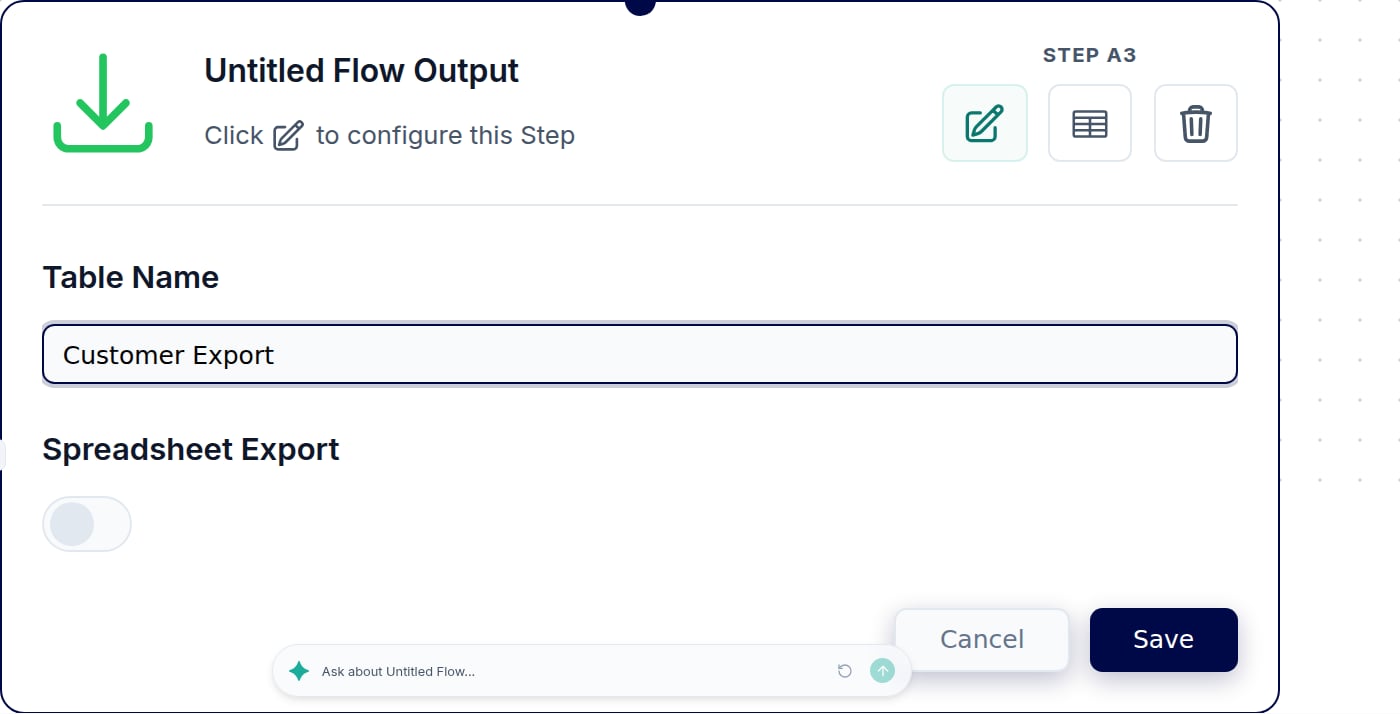
3
Add a spreadsheet export (optional)
Optionally export the result to Google Sheets or Excel Online so it refreshes there on each run.
Spreadsheet exports run as the person who connected the file. If that connection is removed, the export stops. Keep the connecting account active.