

What This Node Does
The Import Data node lets you upload a CSV or connect a single spreadsheet tab right inside a Flow. It creates its own project-scoped table without you leaving the canvas. Unlike Get Data, Import Data takes no input from other nodes. It creates the table it loads so it is a starting point of its own.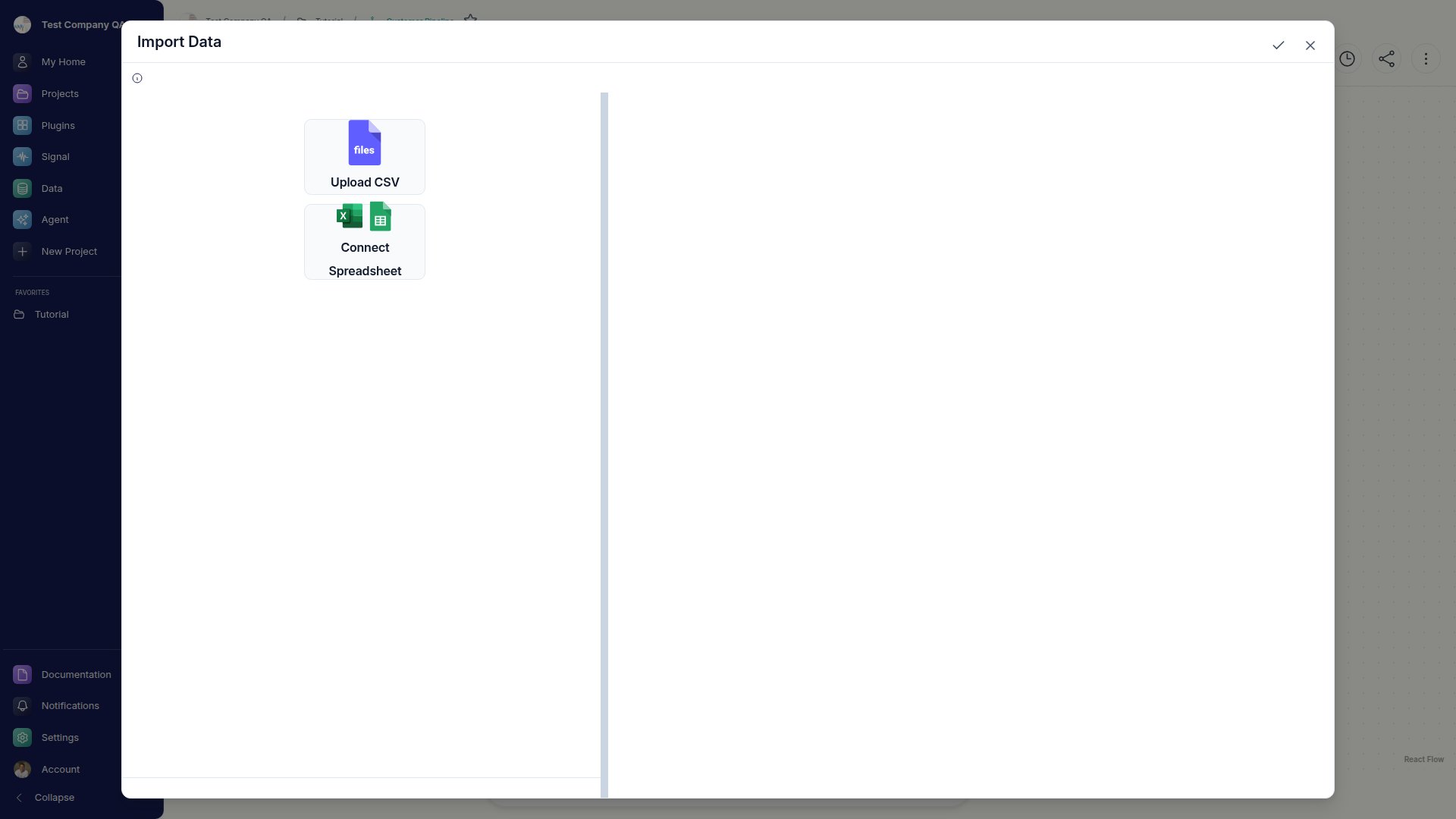
When to Use This Node
Use the Import Data node when you want to:- Bring a one-off file into a single Flow
- Connect a specific spreadsheet tab without setting up a full connector
- Prototype quickly with data that lives only in this Flow’s project
Step-by-Step Usage Guide
1
Add Import Data
From the ”+ Add node” popover, search for “import data” and add it to your canvas.
2
Bring in your file
Upload a CSV, or connect a single Google Sheets / Excel tab. Go Fig creates a project-scoped table from it.
3
Build on top of it
Connect downstream nodes to shape, summarize, or chart the imported rows.