

What This Node Does
The Transform node is the workhorse of a Flow. One node selects fields, filters rows, aggregates, pivots, and adds calculated fields. It replaces what used to be many separate nodes so most of your data shaping happens right here. Transform is organized into three working tabs, a row Limit toggle, and a Dedupe option to remove duplicate rows. The formula reference lives beside every formula field on the Fields tab. Click the ? button next to a field to search the function library and read a function’s documentation without leaving the field.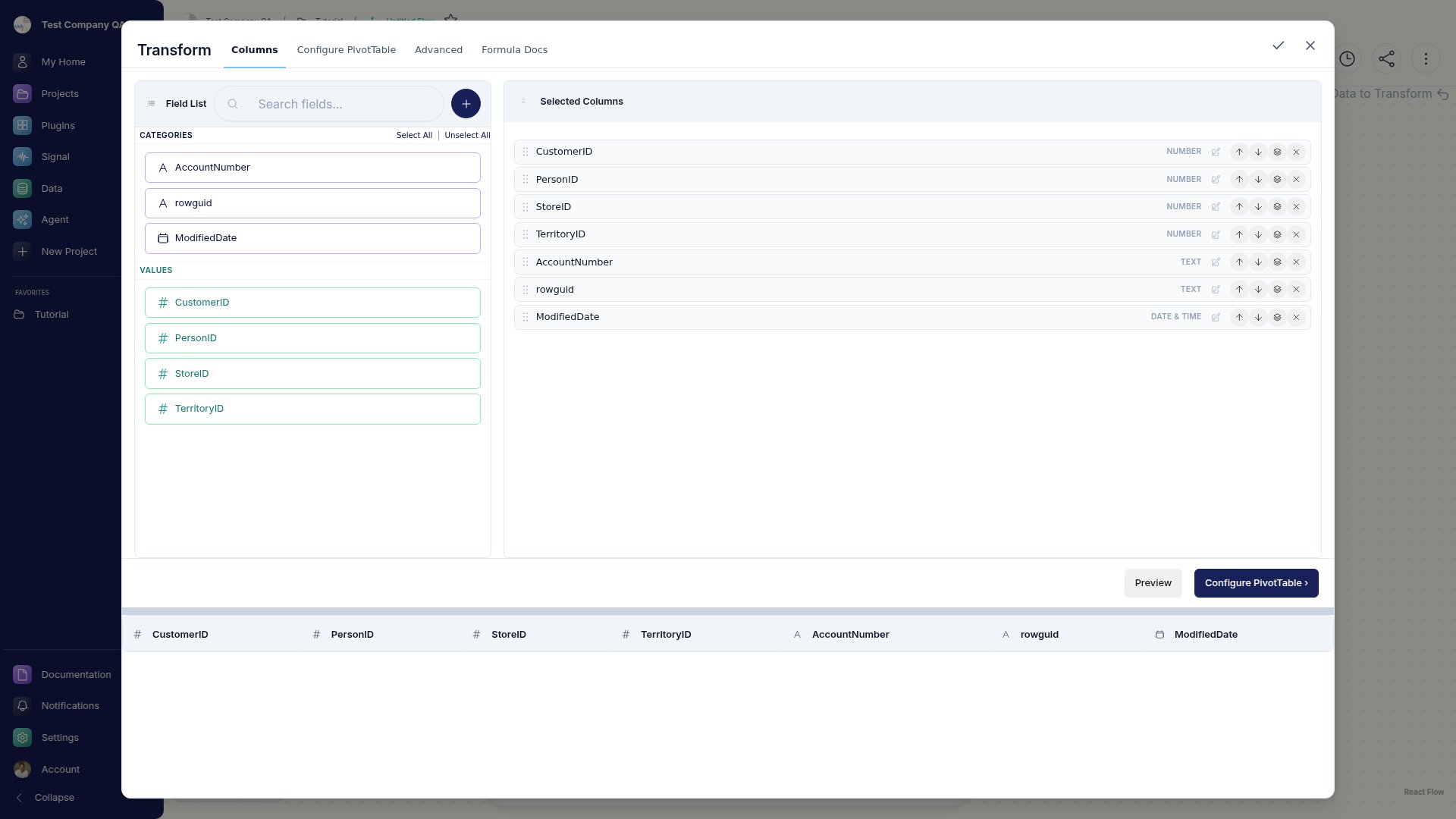
When to Use This Node
Use the Transform node when you want to:- Select, rename, or reorder fields and add calculated fields
- Filter, group, and aggregate your data
- Pivot rows into columns
- Rank rows or build running totals
- Remove duplicate rows or cap how many rows pass through
The Three Tabs
1
Fields
Select, rename, and reorder your fields, and add formula or calculated fields.
2
Configure PivotTable
Use the Filters / Columns / Rows / Values bucket grid to filter, group, aggregate, and pivot your data, all by dragging fields into buckets.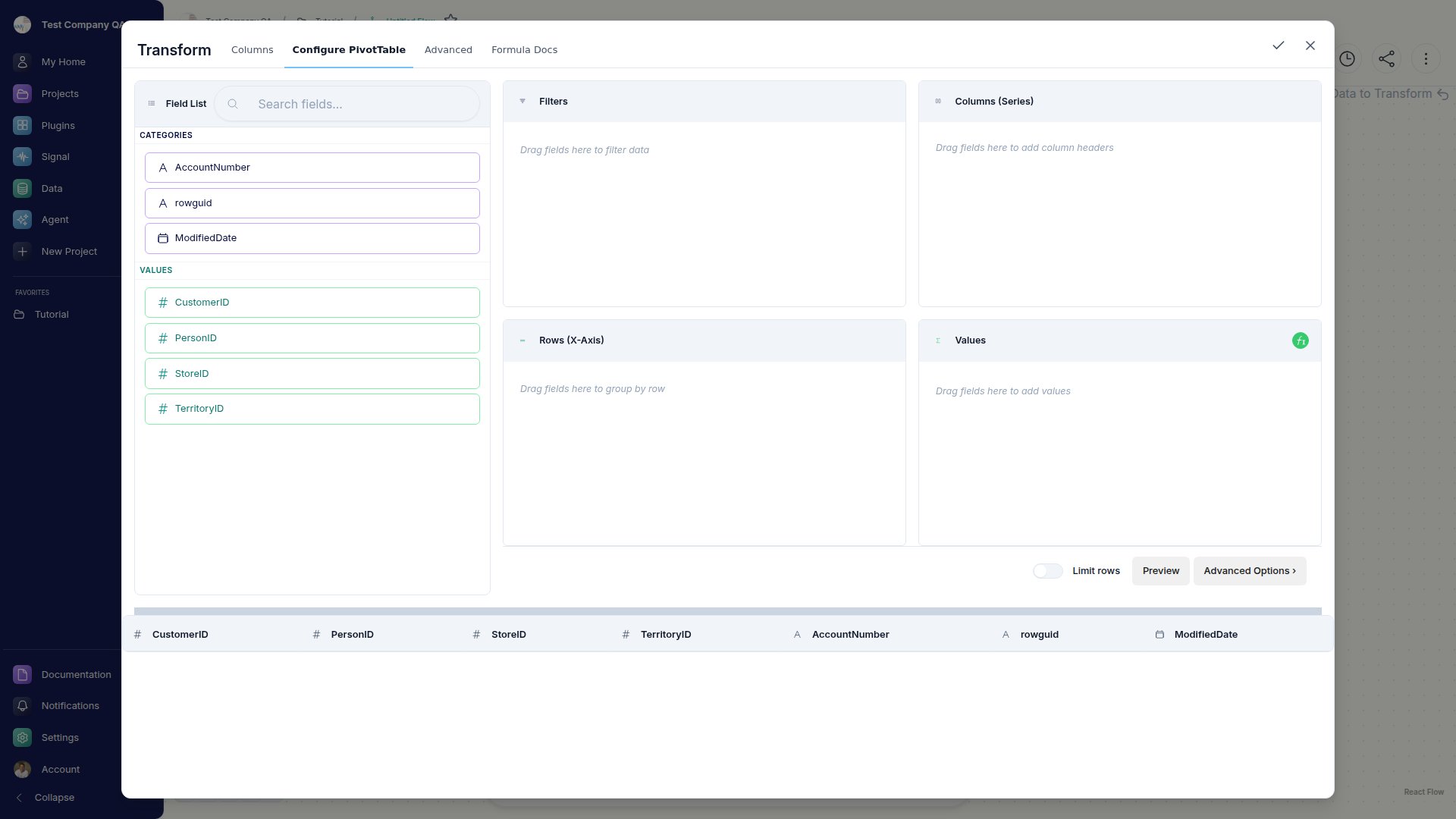
3
Advanced
Reach for window functions like running totals and rankings, plus unpivot to reshape columns back into rows.